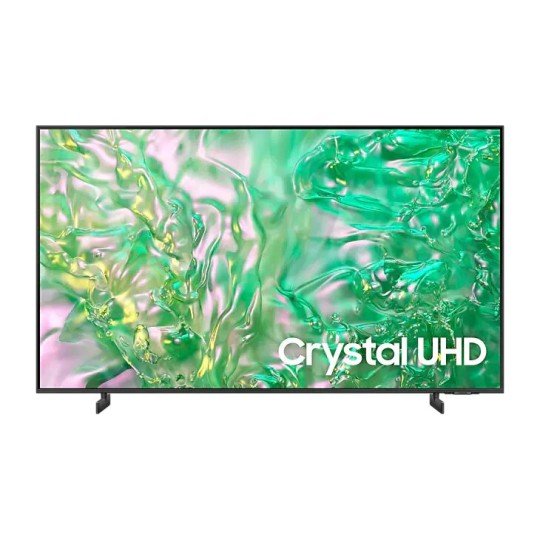
Samsung 85 inch UA85DU8000 UHD Smart TV
- 4K (3,840 x 2,160)
- 2 x USB-A
- LED
- Estimated Delivery : Up to 4 business days
- Free Shipping & Returns : On all orders over $200
Vivid crystal colors on our slimmest profile

Dynamic Crystal Color
Immerse yourself in one billion shades of color
Take your UHD experience to another level with our advanced phosphor technology. Dynamic Crystal Color delivers lifelike variations of colors, so you see subtle details of each shade.

4K Upscaling
Watch your favorite content in 4K
Powerful 4K upscaling ensures you get up to 4K resolution for the content you love.

Samsung Tizen OS
Upscale your entertainment with Samsung Tizen OS
Get more out of your TV with the latest apps & services on Samsung Tizen OS. Enjoy free live TV channels and thousands of movies with Samsung TV Plus, and seamless cloud gaming with Gaming Hub. You can even manage your daily activities with Daily+ and control your smart devices from your TV with SmartThings.

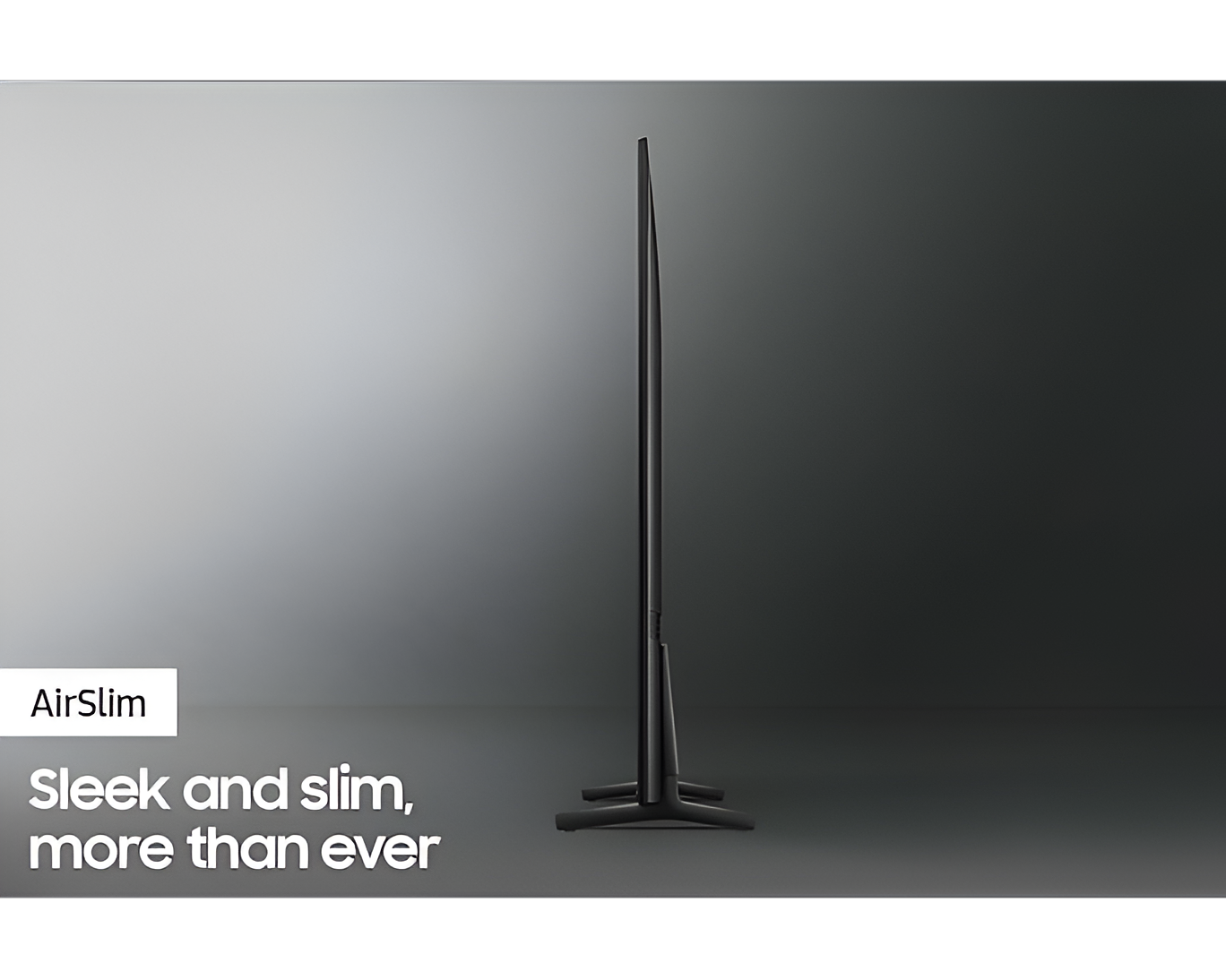
AirSlim Design
Sleek and slim
The mind-blowing slim design of your TV fits harmoniously with its surroundings.
Picture Quality
Crystal Processor 4K
Feel every color as it was intended in powerful 4K
Crystal Processor 4K lets the true colors of shows and movies shine with powerful upscaling technology, so you get up to 4K resolution for the content you love.

* Viewing experience may vary according to types of content and format.
* Upscaling may not apply to PC connection and Game Mode.
Contrast Enhancer
Enhanced sense of depth and color
Contrast Enhancer dynamically adjusts your screen’s contrast, resulting in an enhanced sense of depth and color when you watch content.

HDR (High Dynamic Range)
Better contrast with rich darks and bright lights
High Dynamic Range increases the ratio between the lightest and the darkest regions in a scene, so you can enjoy an enormous spectrum of colors and visual detail, in both bright and dark scenes.

Sound
Q-Symphony
TV and soundbar orchestrated in perfect harmony
Surround yourself with sound from your TV and Soundbar orchestrated in harmony. Q-Symphony technology allows TV and soundbar speakers to operate simultaneously for a better surround sound effect, without muting the TV speakers.

* Check for Q-Symphony compatibility on soundbar product specifications.
* Soundbar sold separately.
OTS Lite
Immersive virtual sound that tracks the action
3D surround sound with our virtual top channel audio allows you to be immersed in the audio experience.

SmartThings
3D Map View
Your TV as the control center of your home and IoT devices
Better manage your home by intuitively monitoring and controlling your home appliances and IoT devices from a 3D map of your house. Easily view and get notifications on the status of your smart devices on your TV screen.

Security & Sustainability
Samsung Knox Security
Your privacy. Secured.
Your privacy is now secured on Samsung TVs. Your sensitive data such as pin codes or passwords are protected by multiple layers of software and hardware. Also, Samsung Knox Security secures the home IoT devices connected to your TV and automatically blocks execution of unauthorized malicious apps or access to phishing sites. Lastly, Samsung’s dedicated security team helps keep your TV safe with regular updates.

* Secured by Knox’ applies to Samsung TVs powered by Tizen®, launched since 2015.
* Security software update is guaranteed for at least three years from product launch.
* Latest software update is required.
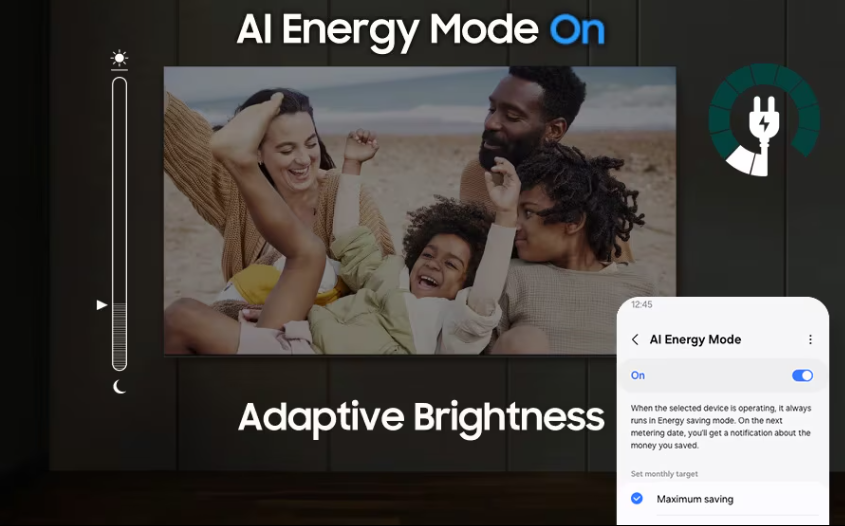
AI Energy Mode
Saves energy with intelligent analysis
Energy saving is made easy with SmartThings. By turning on AI Energy Mode, your TV auto-detects surrounding light levels and analyzes usage behaviors to adjust the brightness, which helps in reducing overall energy consumption. It also analyzes TV content scene-by-scene to subtly adjust brightness where possible, to cut down on energy consumption.
SolarCell Remote
With a solar panel on its back that you can use for charging, you no longer need to use disposable batteries for SolarCell Remote, as they are not the best for the environment.

* To charge the remote with solar energy, set the TV remote down with the solar panel facing up. Place it in your living room while your lights are turned on, or you can place it near a window where it will soak in natural sunlight.
* In case the remote’s battery is depleted, you can charge it using a USB-C cable. To check the remaining battery level of the remote control, refer to the TV Menu (Settings > General & Privacy > Power & Energy Saving > Available Remote Battery).
* The design and button layout of the SolarCell remote may vary depending on the region.
| color | Black, Blue, Green, Pink, White |
|---|
Add a review
Related products
-
Samsung UA40T5300 LED 40″ Smart TV
UGX 1,450,000 -
Samsung RT26HAR2DSA 2 Door 260L Inox Top Freezer
UGX 2,000,000 -
-
Samsung UA43T5300 LED 43″ Smart TV
UGX 1,600,000 -
Samsung UA65CU8000 65″ Crystal UHD (2023) 4K Smart TV
UGX 4,300,000 -
Reviews
There are no reviews yet.